
Download Bilibili Danmaku as ASS Subtitles
Download and convert Bilibili danmaku bullet comments into styled ASS subtitles. Play animated floating comments offline in MPV, VLC, and PotPlayer with video.
To save Bilibili danmaku (bullet comments) offline, extract the XML comment stream from the video CID endpoint and convert it into styled Advanced SubStation Alpha (.ass) format. This allows desktop media players like MPV and VLC to render floating, color-coded timed comments overlaid on your downloaded high-definition MP4 video.
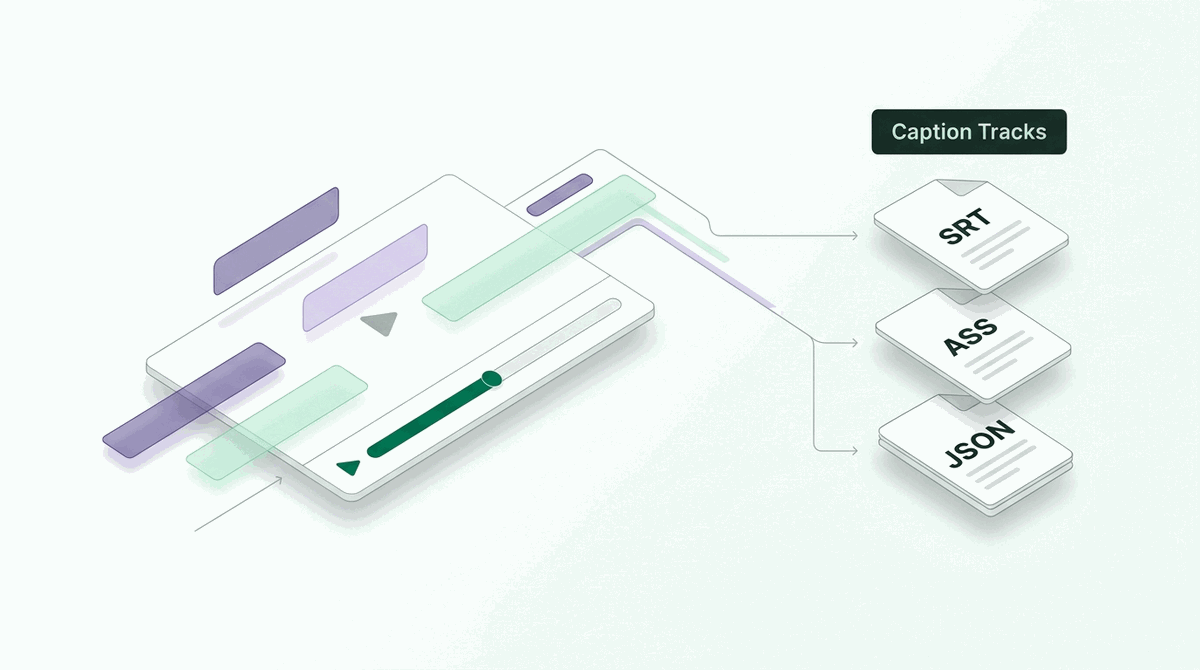
1. What Are Bilibili Danmaku (Bullet Comments)?
Danmaku, or bullet comments, are floating real-time text reactions submitted by viewers that glide across the video player at precise playback timestamps.
For anime, gaming tournaments, and concerts, danmaku forms an integral part of the communal viewing experience. Preserving this commentary is essential for cultural digital archiving.
2. Understanding the XML to ASS Conversion Process
Bilibili transmits bullet comments as compressed XML or protobuf streams containing timestamp, color, font size, and user position coordinates.
Standard subtitle formats like SRT only display static lines at the bottom of the screen. Converting comments to Advanced SubStation Alpha (.ass) enables desktop media players to render dynamic motion trajectories and font styling.
- Retrieve the internal video CID identifier from the Bilibili page source.
- Download the raw timed comment coordinate stream from the danmaku API endpoint.
- Convert coordinate XML parameters into timed collision-avoidant ASS subtitle events.
- Load the resulting ASS subtitle file alongside your downloaded video file in your desktop player.
3. Desktop Player Compatibility for Rendered ASS Danmaku
Different media players vary significantly in their support for complex animated subtitle scripts and collision calculation.
| Media Player | Subtitle Rendering Engine | Danmaku Collision Handling | High-Density Comment Performance |
|---|---|---|---|
| MPV Player | Native libass integration | Accurate collision avoidance | Smooth 60fps GPU acceleration |
| VLC Media Player | Standard built-in ASS support | Basic text wrapping | Moderate on heavy comment waves |
| PotPlayer (Windows) | Custom subtitle renderer | Extensive style configuration | Smooth scrolling playback |
| Default OS Players | Plain text renderer only | Fails animation rendering | Static text at bottom only |
4. Preserving Complete Bilibili Media Archives
A complete digital archive combines high-bitrate video, synchronized audio tracks, matching closed captions, and clean community commentary. Naming your saved `.mp4` movie and `.ass` subtitle tracks with matching base filenames inside a single dedicated folder allows desktop media players like MPV or VLC to discover and enable the subtitle overlay automatically on launch.
BiliFlow supports saving permitted Bilibili video with sound as MP4, M4A or MP3 audio, and available official SRT or VTT closed captions in Chrome (subject to source access and plan limits). XML-to-ASS danmaku bullet-comment conversion is a separate workflow that you can pair cleanly with saved MP4 files in MPV, VLC, or PotPlayer.
Product scope and further reading
Editorial methodology: Written and maintained by Elnavix Labs from inspected Chrome extension package behavior, media container specifications, and official platform documentation. Visual figures are AI-generated conceptual diagrams; always check the official product listing for current release scope.
Download Bilibili Videos with Sound in 1-Click
Save permitted Bilibili videos with sound as MP4, export M4A or MP3 audio, and download available SRT or VTT subtitles in Google Chrome. Source access and plan limits apply.
Add BiliFlow to Chrome (Free) →Official Chrome Web Store extension by Elnavix Labs.Frequently Asked Questions
What is the difference between Bilibili CC subtitles and danmaku comments?
CC subtitles are standard dialogue transcriptions formatted as static SRT or VTT files. Danmaku comments are floating user-generated reaction streams requiring styled ASS format to render movement, font color, and timestamp trajectories across the screen.
Why will my media player not open raw Bilibili XML comment files?
Standard video players like VLC and QuickTime do not understand raw Bilibili XML coordinate data. The XML must be parsed and converted into Advanced SubStation Alpha (.ass) format for the player to draw the moving text.
Which desktop video player is best for playing Bilibili danmaku subtitles?
MPV player provides the smoothest rendering for danmaku due to its native libass subtitle engine. VLC and PotPlayer also support ASS files, whereas default operating system players lack the motion engine needed for scrolling text.
How does BiliFlow help with Bilibili media archiving?
BiliFlow extracts permitted Bilibili video streams in full available resolution with merged audio, while providing access to official closed caption tracks directly inside your Google Chrome browser.