

Chrome extension
BiliFlow
Download permitted Bilibili videos with sound, save M4A or MP3 audio and available SRT/VTT captions in Chrome with BiliFlow. Source and access limits apply.
View Store listingOpens the official Chrome Web Store listing.
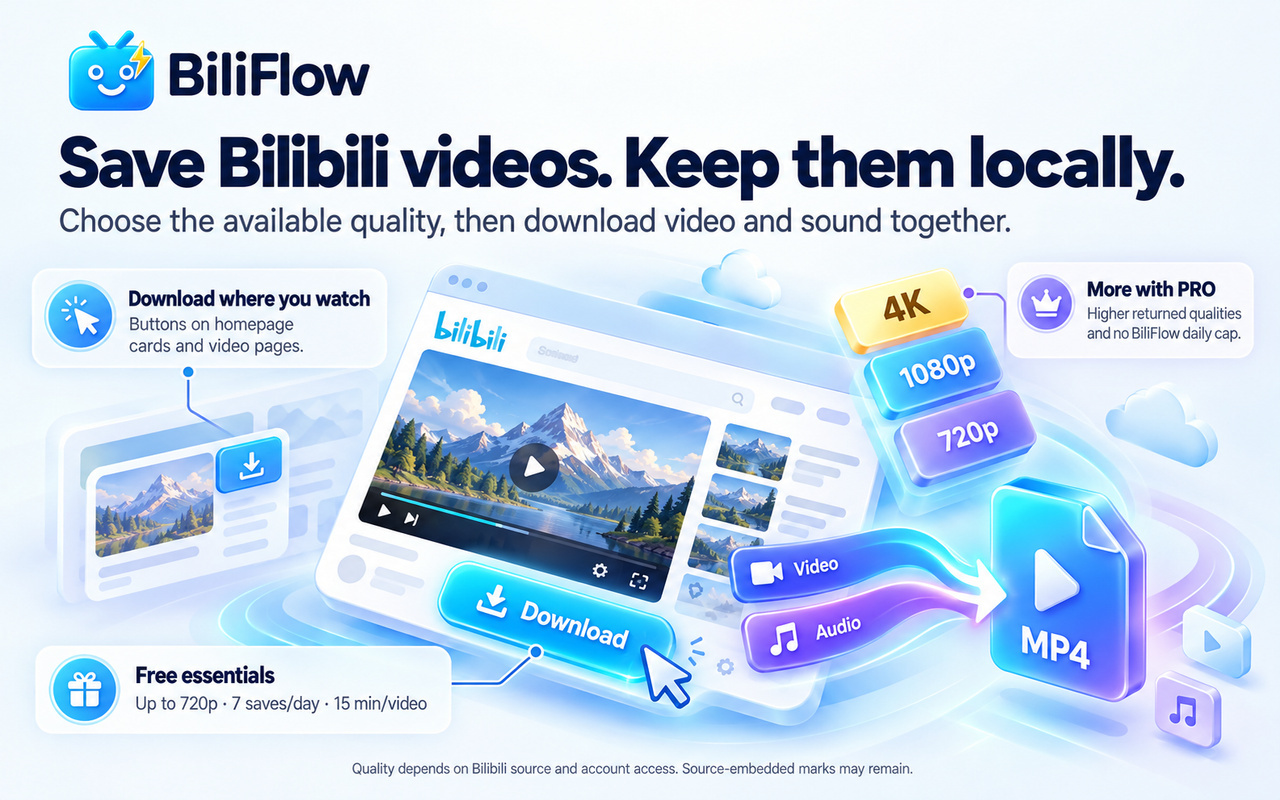
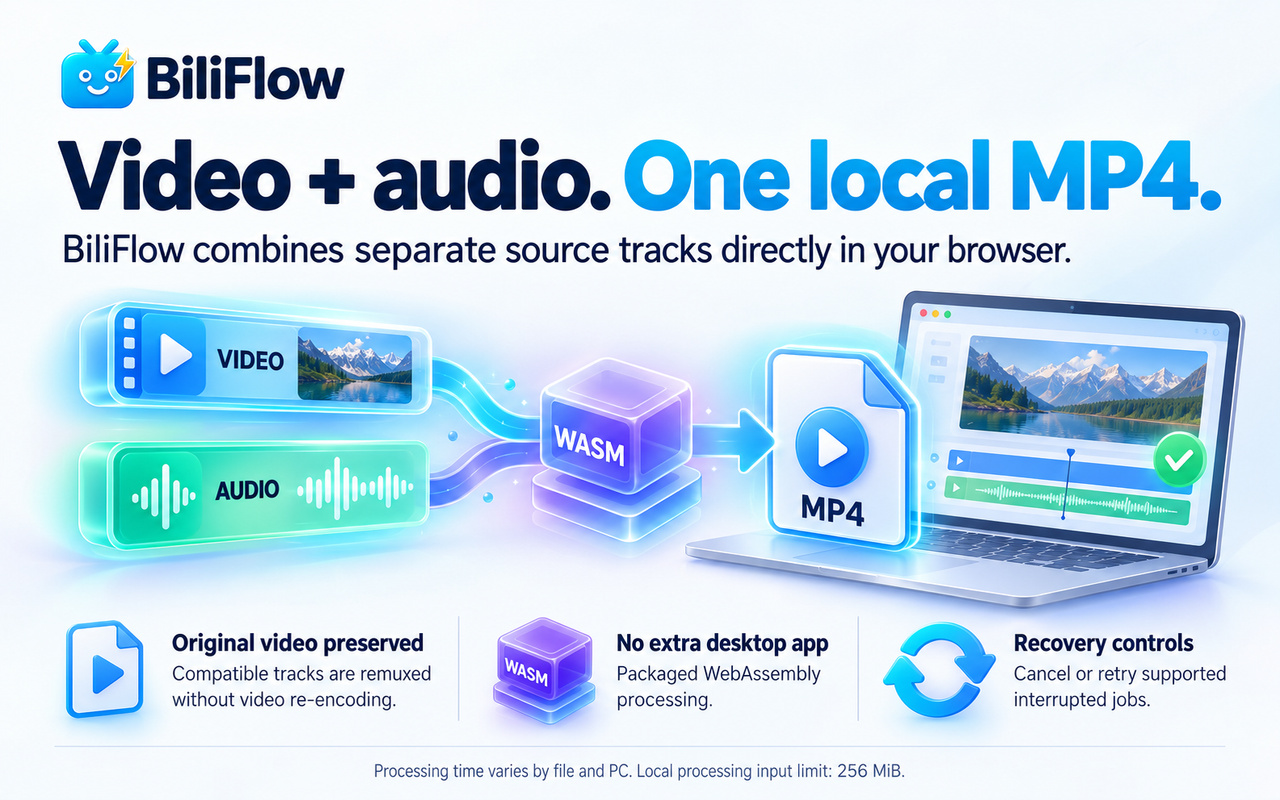
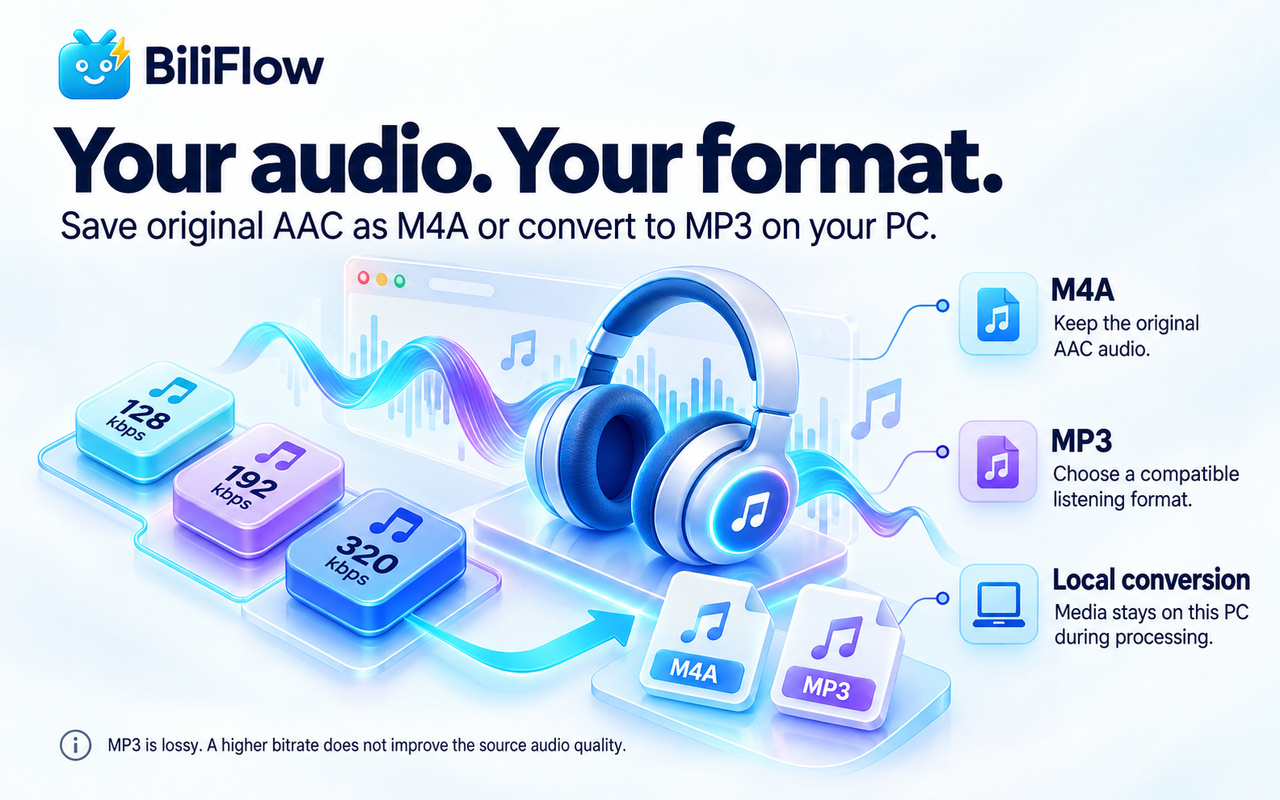
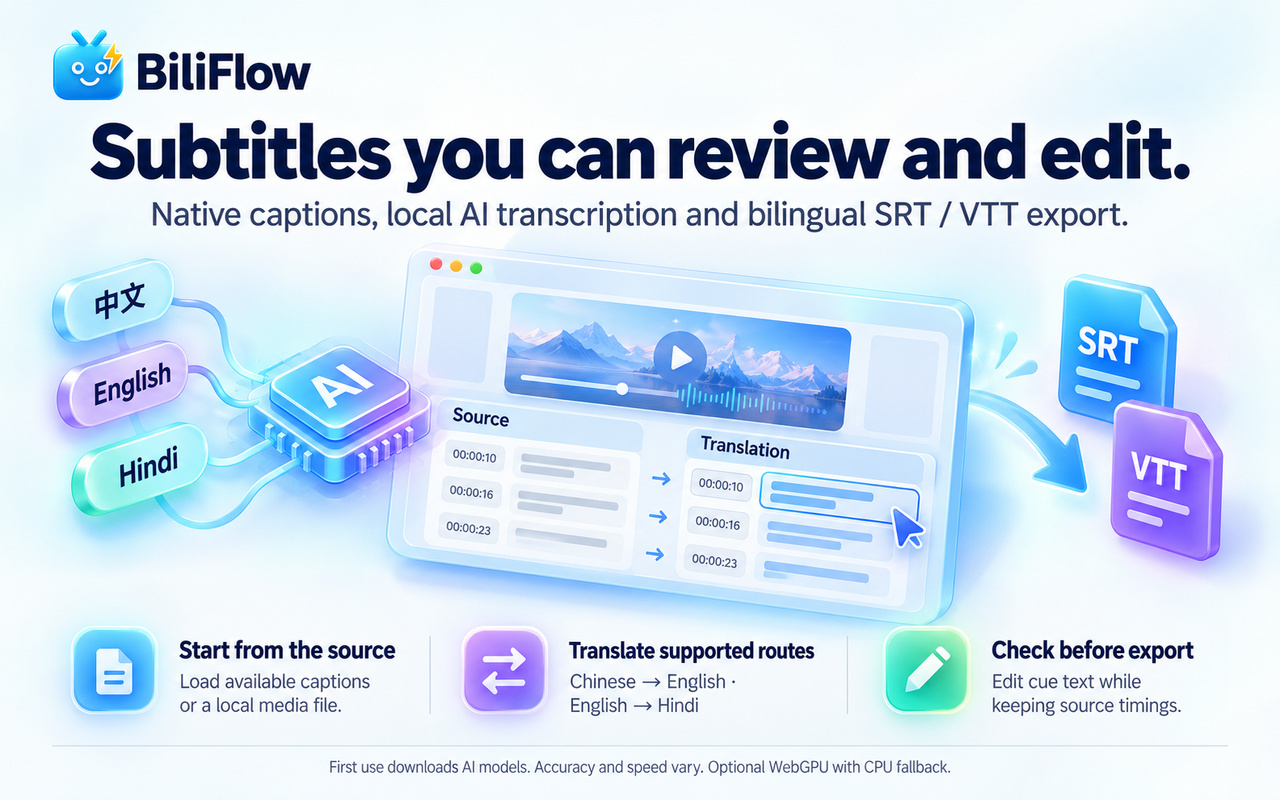
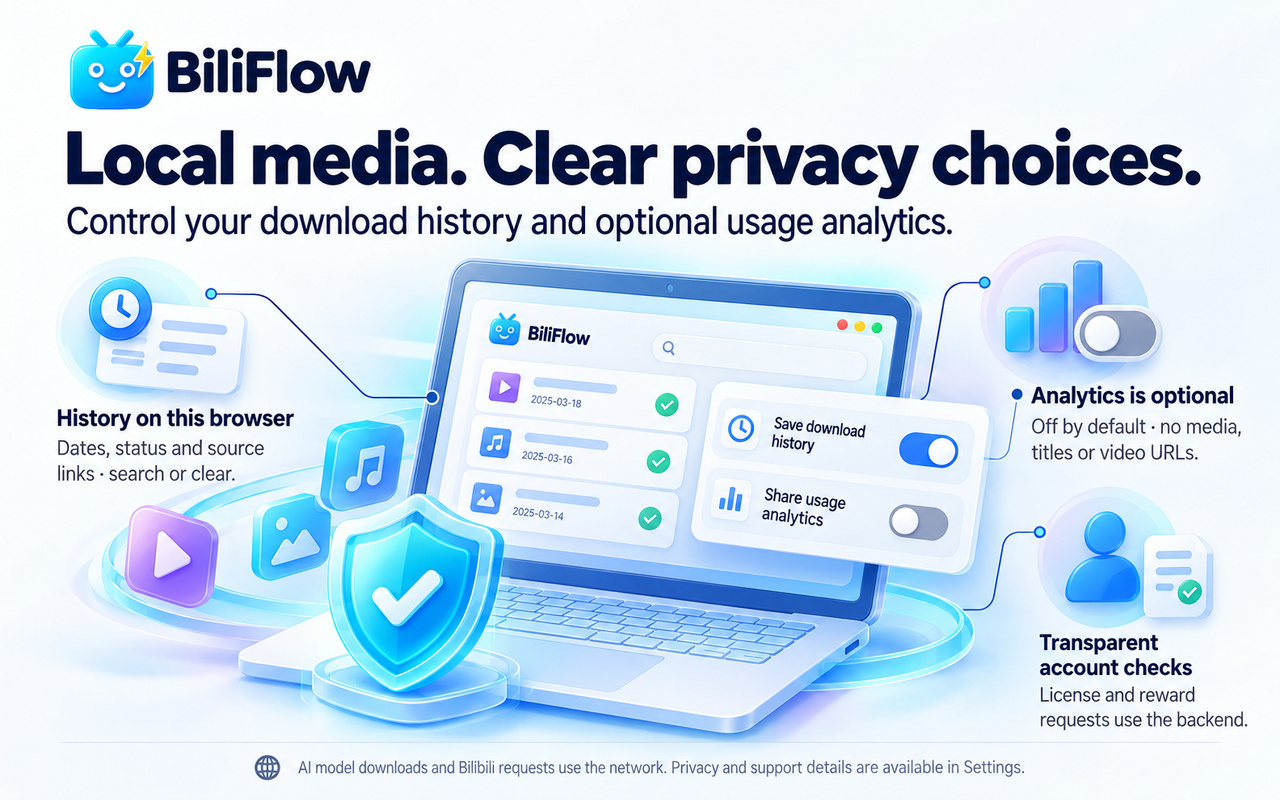
Available quality depends on the source, source-account access and BiliFlow plan. The interface shows current Free and reward allowances; source-embedded marks may remain.
What it is for
BiliFlow focuses on Bilibili downloads in Chrome, including video and audio controls and native-subtitle export to SRT.
- A Chrome extension focused on Bilibili media downloads.
- Includes video and audio download controls.
- Includes native-subtitle export to SRT.
Use the official listing to review the published product information, permissions and installation details before installing.
Download only media you are permitted to save, and follow the source website's applicable terms.
Save a Bilibili video with sound
For learners and viewers keeping a tutorial, audio track or captions they have permission to save. Use desktop Chrome on supported bilibili.com pages.
- Open a permitted Bilibili video. Start BiliFlow from the toolbar or its supported on-page download control.
- Choose an available source quality and MP4 output for video with sound. You can also choose available M4A audio, MP3 conversion or SRT/VTT subtitles.
- Keep the processing page open while compatible video and audio tracks are merged locally. Check the saved file before closing the job.
A supported save creates a file on your computer. Available qualities and captions depend on the video, your Bilibili account and your extension plan.
Try Free, then choose PRO if you need more
Free has daily-save, duration and quality allowances. PRO removes BiliFlow’s daily-save and duration limits and enables eligible higher source qualities. It does not bypass Bilibili login, VIP, regional restrictions, file-size or browser limits. Review the current plan and installation terms before paying.
Missing quality or a stalled download?
Use the latest published BiliFlow, refresh the video page and retry. Signing in to your own Bilibili account can expose additional permitted formats. A 503 can also have other causes; login is not a guaranteed fix. Try a lower available quality or contact support.
Get help with BiliFlowTechnical tutorial and guide
Explore our detailed educational guide explaining Bilibili DASH media streaming, audio-video synchronization, and subtitle export workflows.
Read the Bilibili download guideOfficial Chrome Web Store listing
BiliFlow Bilibili Video Downloader 4K & MP3
Currently offered by Elnavix Labs on the Chrome Web Store. This page uses BiliFlow as the short product name.
View Store listingExplore the collectionMore BiliFlow guides
- Bilibili 1080p & 4K Downloads with Sound
- Bilibili Audio Downloads: MP3 vs M4A
- Bilibili Subtitles: SRT, VTT & ASS
- Bilibili 503 & 412 Errors: Troubleshooting
- Bilibili Multi-Part Videos & Playlists
- Bilibili Anime: Video & Subtitle Access
- Bilibili Gaming & VTuber VOD Downloads
- yt-dlp Bilibili Error Fix: WBI, 567 & Audio
- Download Bilibili Danmaku as ASS Subtitles
- Bilibili M4S to MP4 & HEVC/AV1 Playback Fix
- Download Bilibili Videos on PC in Chrome
Video, audio and subtitle formats
| Workflow | Supported format | Scope |
|---|---|---|
| Video with sound | MP4 from compatible source tracks | Source quality, account access, plan and successful merging apply. |
| Audio | M4A native stream or MP3 conversion | MP3 is lossy; source bitrate and player compatibility vary. |
| Caption tracks | SRT / VTT where available | Burned-in text is not a downloadable caption track. |
| Styled captions / danmaku | Separate ASS/conversion workflow | Direct published ASS/danmaku export is not established here. |
Frequently Asked Questions
How do I download a Bilibili video with sound?
Choose a supported MP4 save with sound in BiliFlow. Bilibili can provide separate DASH video and audio tracks, which need merging. Keep the processing page open and check the saved file; source access, available audio and interrupted jobs can affect the result.
Can BiliFlow download 1080p or 4K videos?
Higher quality depends on the original video, your Bilibili account access and your BiliFlow plan. Select an available supported source quality. A paid extension plan cannot unlock Bilibili VIP content, regional restrictions or a resolution that the original source does not provide.
What is the difference between M4A and MP3 audio?
M4A is an audio container; saving an available native stream can avoid another encode. MP3 conversion is lossy and cannot restore missing source detail. Choose a supported output for your player, then check the file rather than assuming a particular bitrate or studio-master quality.
Can I save SRT, VTT, ASS subtitles or danmaku?
The reviewed published workflow supports available SRT or VTT caption export. Styled ASS subtitles and scrolling danmaku are different formats and may need a separate authorized conversion workflow. Do not assume a caption track, danmaku conversion or direct ASS export exists for every video.
Is BiliFlow free, and how do I install it?
BiliFlow offers a Free entry tier with allowances; paid options have separate access terms. Open the official Chrome Web Store listing, review permissions and product privacy information, then choose Add to Chrome if suitable. Try a permitted Free save before deciding whether to pay.
What should I try when a download fails?
Check your source access, update the extension and refresh the video page. Try a shorter permitted video or a lower available quality, and inspect any error message. Login may expose additional formats but does not fix every network or server error; use product support when needed.
Product scope and transparency
BiliFlow processes compatible media in the browser; remote licensing, rewards, updates, models and optional usage services also exist. Available qualities, formats and successful saves depend on the source and published product. Store artwork is promotional material. Direct ASS/danmaku export and universal speed or output guarantees are not established here.
Review the extension-specific privacy information and current Store terms before installation or an online action. Download or inspect only material you are permitted to use. Contact founder@elnavix.online for support routing.
Getting started
- Open the official Chrome Web Store listing for BiliFlow.
- Read the listing, requested permissions and extension-specific privacy information.
- If you choose to install, use Add to Chrome on the official listing.
Questions about the product? Contact Elnavix Labs.
Extension installation is free; optional paid features have separate terms.