

Developer tool
Extension X-Ray
Inspect Chrome extension source code in authorized CRX/ZIP packages, review Manifest V3 permissions and trace static findings with Extension X-Ray.
View Store listingOpens the official Chrome Web Store listing.
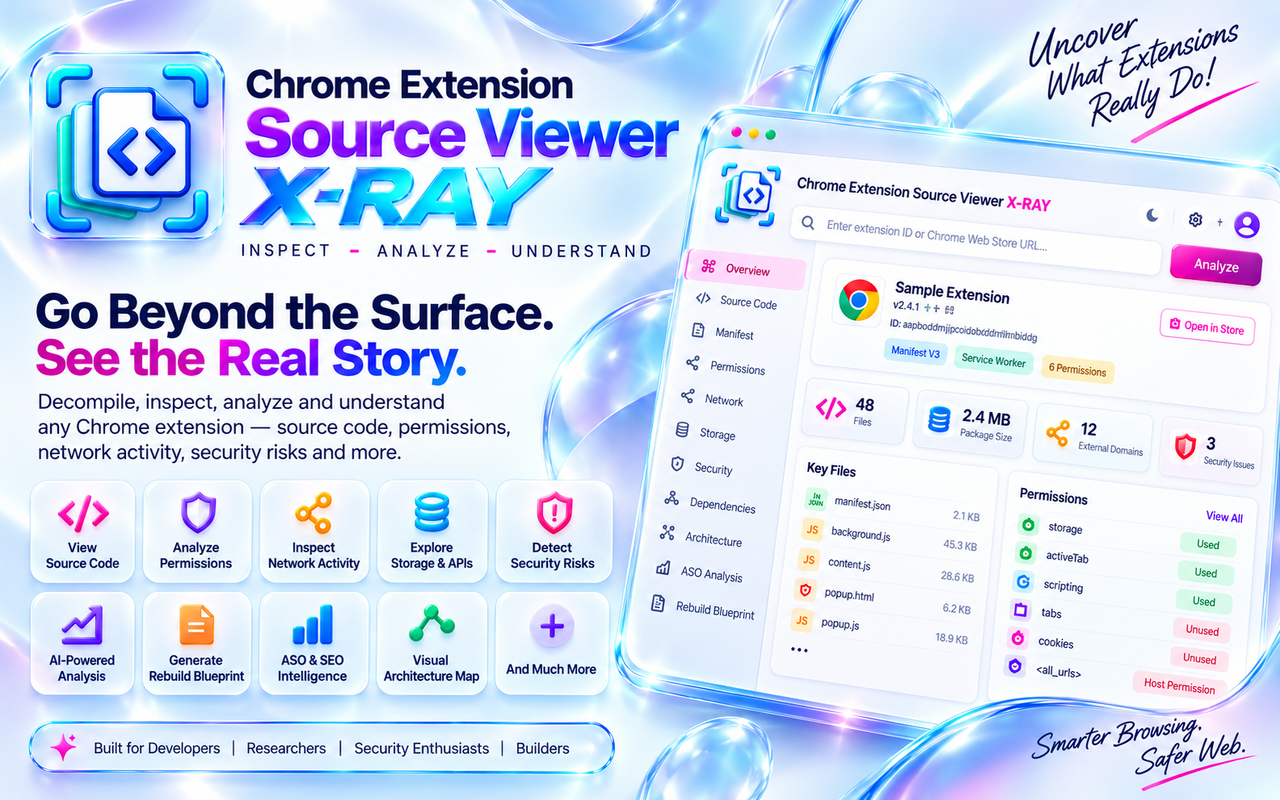
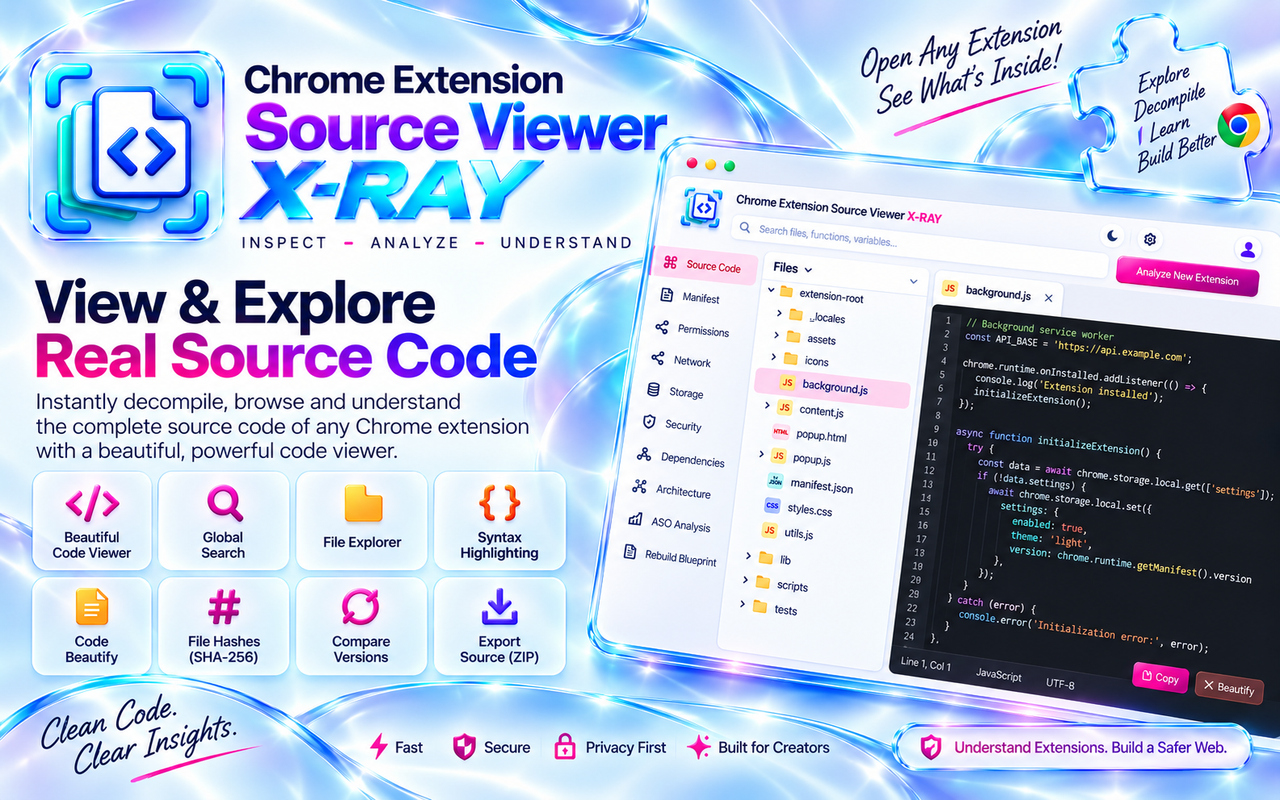
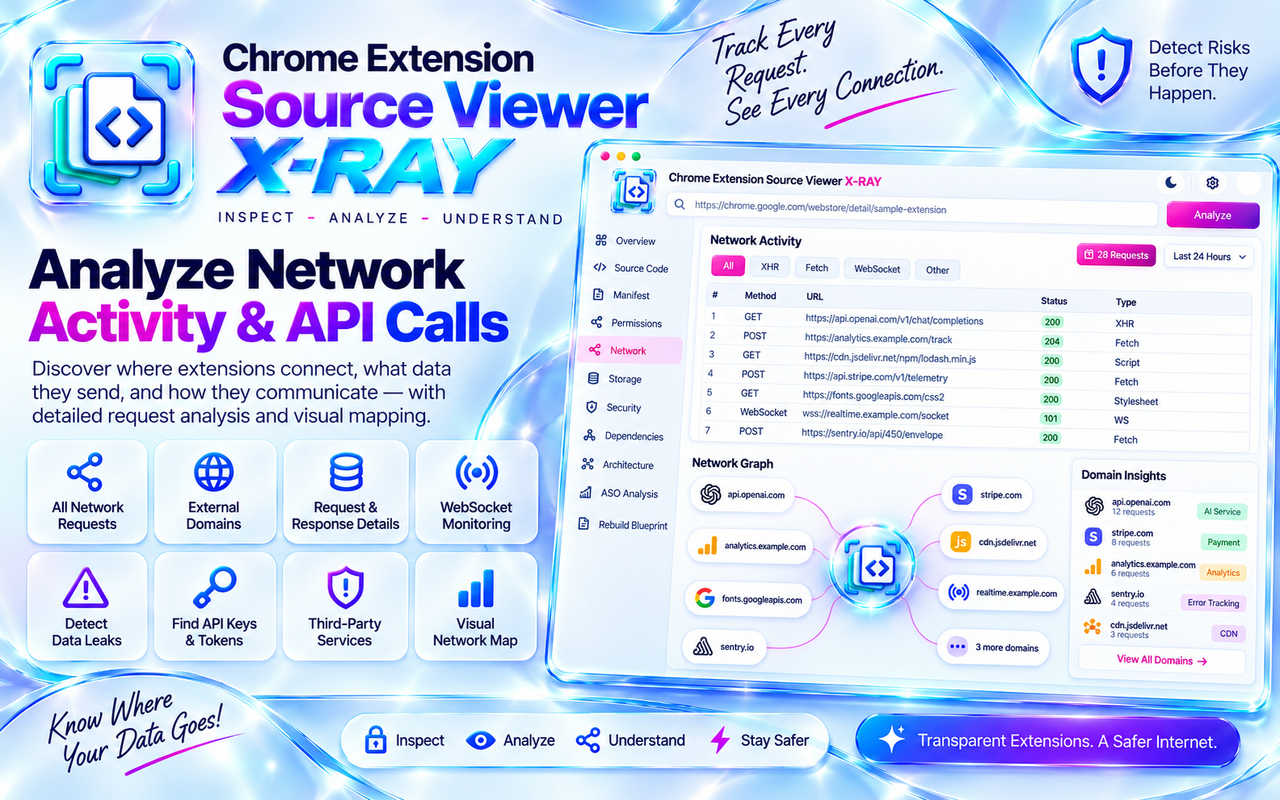
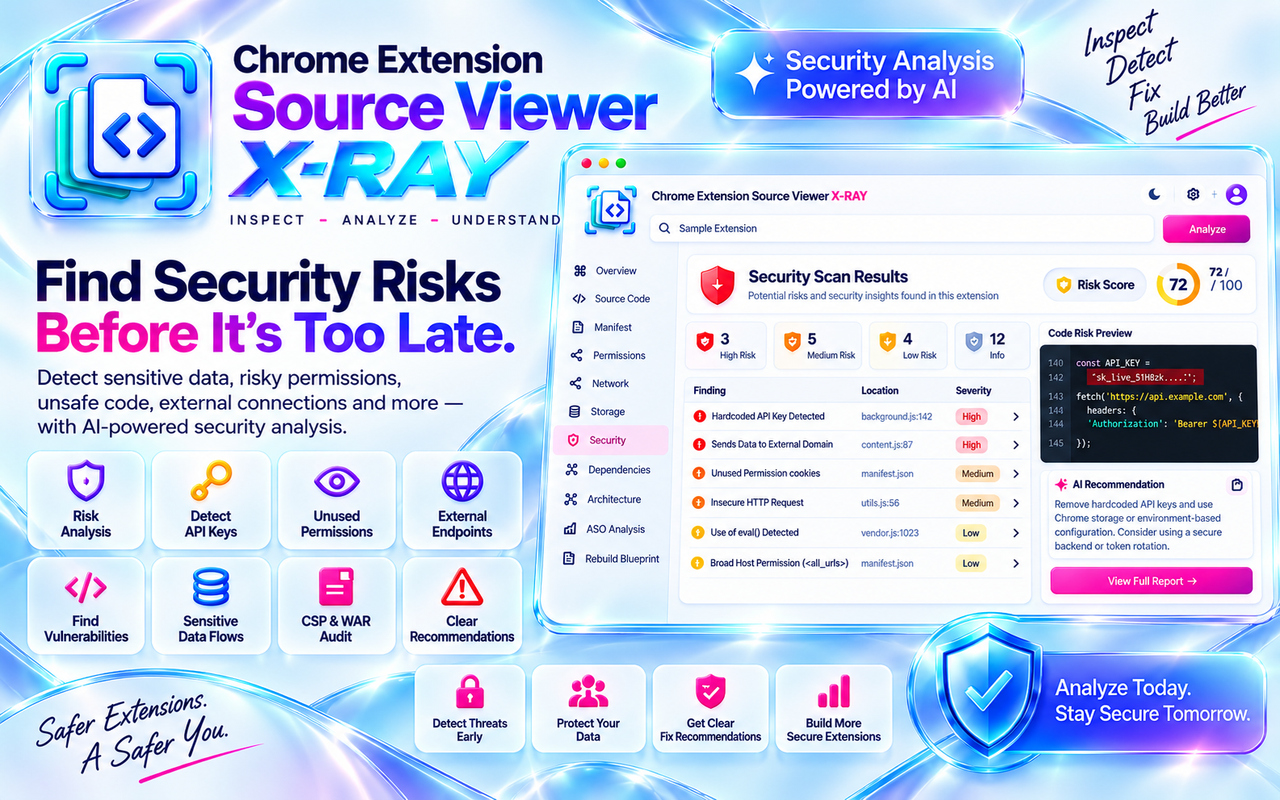
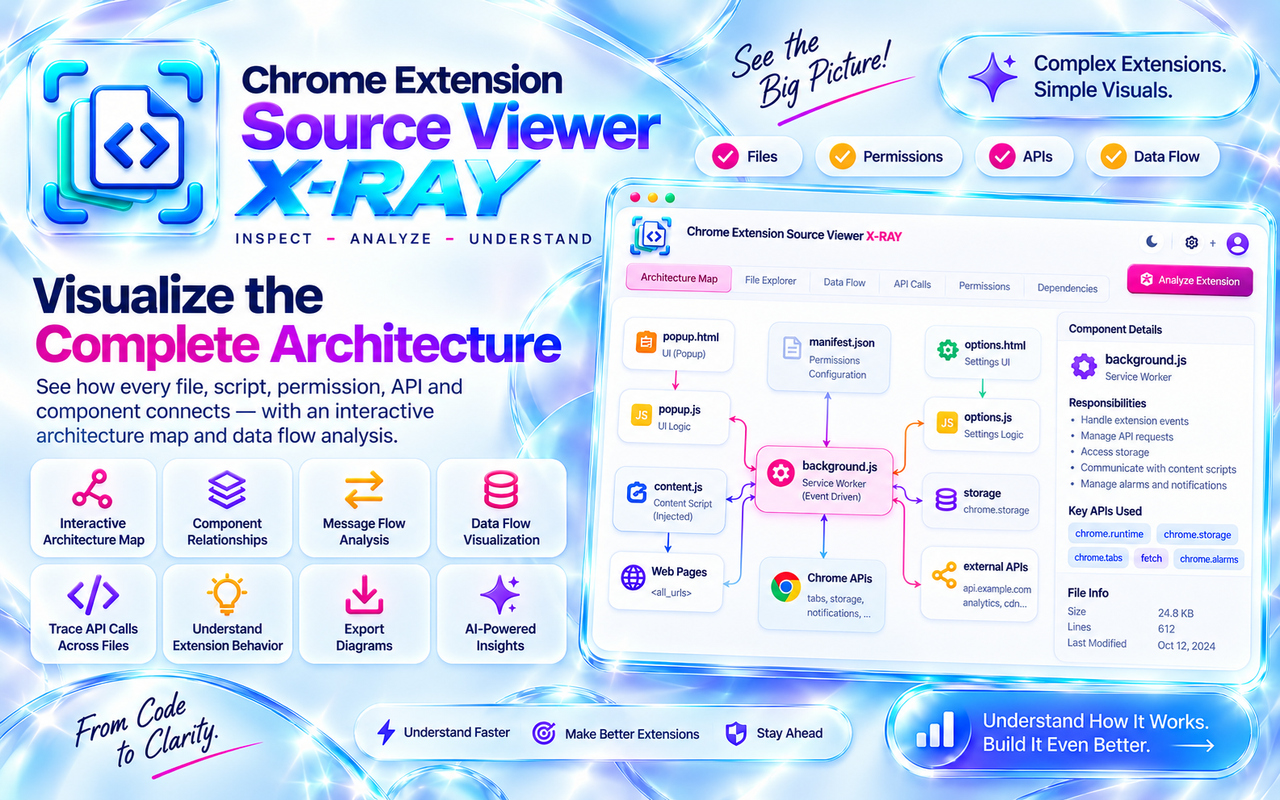
Reviewed source supports static package inspection. Universal decompilation, live monitoring and complete reconstruction claims in this Store artwork are not verified.
What it is for
Extension X-Ray is a Chrome extension source viewer for inspecting package files, source text, manifests and requested permissions.
- Inspect the contents of Chrome extension packages.
- Explore files, manifest declarations and requested permissions.
- Retrieve or import extension packages for static inspection.
Use the official listing to review the published product information, permissions and installation details before installing.
Inspect an extension before installing it
For developers and researchers reviewing a Chrome extension package they are authorized to inspect. Start with the manifest, then follow findings to the relevant source files.
- Open X-Ray from the Chrome toolbar. Enter an available public Store package URL or extension ID, or import an authorized local CRX/ZIP.
- Browse packaged files and inspect the manifest’s permissions and host access. Review supported source text and any static endpoint or security-pattern findings.
- Follow each potential finding back to its source and assess the context. Export the packaged source when you need to continue in your own development tools.
You get source evidence for a manual review. A URL in source is not proof of a request, and a clean result or score does not certify safety. Static inspection does not execute the inspected extension or reveal its private backend.
Static inspection and optional AI are separate
Static inspection does not spend backend AI credits. Optional AI Decompile assists with rewriting selected source; Deep Rebuild Spec produces an implementation outline. These use separate credit balances and require sign-in, available credits and the relevant data disclosure. AI output needs developer review and is not a recovered original or a guaranteed working clone. Review the current one-time pack and credit cost before choosing an AI action.
Can’t retrieve a package?
Public package availability is controlled by the upstream service. Where supported, use a local CRX/ZIP that you have permission to inspect. Contact support for access or purchase-delivery problems; keep license and receipt details private.
Get help with Extension X-RayTechnical tutorial and guide
Explore our developer guide on inspecting Chrome extension packages, reviewing Manifest V3 declarations, and evaluating permission risks before installation.
Read the extension inspection guideOfficial Chrome Web Store listing
Chrome Extension Source Viewer X-Ray
Currently offered by Elnavix Labs on the Chrome Web Store. This page uses Extension X-Ray as the short product name.
View Store listingExplore the collectionMore Extension X-Ray guides
- View Chrome Extension Source Code (CRX)
- Chrome Extension Permissions: Manifest V3
- Chrome Extension Content Scripts & Workers
- Chrome Extension Security Review Checklist
- Enterprise Chrome Extension Security Audit
- Open & Unpack Chrome CRX Files Safely
- How to Check if a Chrome Extension Is Safe
- View Chrome Extension manifest.json Online
Manual CRX unpacking, source viewers and X-Ray
| Task | Manual CRX unpacking | Basic source viewers | Extension X-Ray |
|---|---|---|---|
| Open package files | Unpack with an appropriate archive workflow | Depends on the viewer | Browse supported package files |
| Manifest / permissions | Read declarations manually | Depends on the viewer | Inspect manifest and requested permissions |
| Static findings | Trace patterns yourself | Depends on the viewer | Follow supported findings back to source |
| Live traffic / backend | Requires separate runtime investigation | Do not assume support | Static indicators do not establish live traffic |
Frequently Asked Questions
How can I inspect Chrome extension source code?
Open an available public Store package or import an authorized CRX or ZIP in Extension X-Ray. Browse the packaged files, then follow manifest declarations to relevant source. This is static inspection of distributed files, not access to a developer’s private repository or backend.
What does Manifest V3 permission inspection tell me?
Manifest V3 declarations identify requested extension permissions, host access and execution entry points. Review them against the extension’s stated purpose and relevant source. A broad permission is a review signal, not proof of misuse; runtime behavior and remote services can require separate investigation.
Does X-Ray observe another extension’s live network traffic?
Static endpoint analysis finds strings and declared URLs inside package files. It does not establish that a request occurred, identify the actual transmitted data or expose private server behavior. Use an authorized runtime investigation separately when your question depends on real network activity.
Does a clean static report prove an extension is safe?
No. Static findings help prioritize manual review, but an empty report or score does not certify safety. Minified code, runtime conditions, later updates and remote services can change the risk. Follow each finding to source and assess the context before making an installation decision.
Are source inspection and AI assistance the same workflow?
Package inspection and optional cloud AI are separate. AI Decompile and Deep Rebuild Spec use their own credit balances and can transmit selected source code. Review the disclosure and credit cost before choosing an AI action; generated output needs developer review and is not a recovered original.
How do I install or try Extension X-Ray?
Use the official Chrome Web Store listing to review the current entry-level access, permissions and product privacy information. Choose Add to Chrome if suitable, then inspect only packages you are authorized to review. Optional paid AI access is separate from the website and its informational guides.
Product scope and transparency
X-Ray inspects packaged source and manifest declarations. Static indicators and scores do not certify safety or prove live network activity. Account services, usage metrics and optional cloud AI are separate; selected source can be sent for AI processing. Store artwork is promotional material, not evidence of complete runtime or backend coverage.
Review the extension-specific privacy information and current Store terms before installation or an online action. Download or inspect only material you are permitted to use. Contact founder@elnavix.online for support routing.
Getting started
- Open the official Chrome Web Store listing for Extension X-Ray.
- Read the listing, requested permissions and extension-specific privacy information.
- If you choose to install, use Add to Chrome on the official listing.
Questions about the product? Contact Elnavix Labs.
Extension installation is free; optional paid features have separate terms.