
Fix yt-dlp Bilibili Download Errors & WBI
Fix yt-dlp Bilibili errors, WBI signature breaks, HTTP 412 or 567 blocks, and missing audio tracks. See CLI fixes and Chrome saving with BiliFlow.
yt-dlp Bilibili errors occur when Bilibili rotates WBI anti-scraping signatures, enforces strict CDN tokens (HTTP 567), or splits audio/video into separate DASH streams. To fix, update yt-dlp with yt-dlp -U, pass authenticated browser cookies, or use a browser-native extension like BiliFlow that operates within your active session.
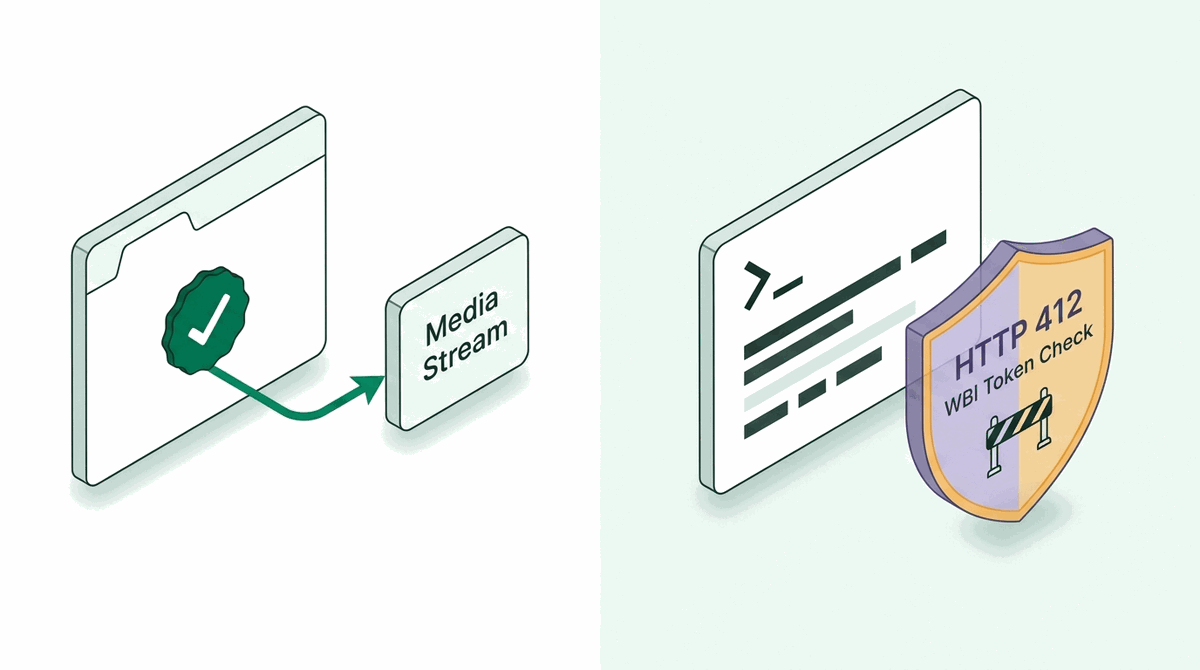
1. Why CLI Scrapers and yt-dlp Fail on Bilibili Streams
Command-line scrapers like yt-dlp and automated scripts frequently break when downloading from Bilibili because the platform actively updates anti-scraping mechanisms.
These defenses include rotating WBI query signatures, ephemeral CDN token parameters, and separate DASH audio and video streams that require manual merging.
2. Troubleshooting WBI Signatures, 567 Limits, and 412 Codes
Diagnose the exact error message returned by your command line to determine whether the issue is an outdated extractor, rate limiting, or session authentication.
Understanding HTTP 567 Status
An HTTP 567 error indicates that Bilibili CDN servers rejected the request token or flagged anomalous scraping behavior. Introducing request delays or switching to authenticated browser sessions resolves this block.
- Update yt-dlp to the latest master release using yt-dlp -U to ensure recent Bilibili extractor patches are applied.
- Export cookies from your active browser session using cookies-from-browser chrome to bypass anonymous rate limits.
- Inspect the downloaded file with ffprobe to verify whether DASH audio and video streams merged or if ffmpeg post-processing failed.
3. Technical Comparison: CLI Scrapers vs Browser Extensions
Evaluate the technical trade-offs between maintaining external CLI environments and leveraging authenticated browser-native media extensions.
| Workflow Dimension | BiliFlow Extension | yt-dlp (CLI) | Web Converters |
|---|---|---|---|
| Session & VIP Auth | Uses your active Chrome session | Manual cookie export flags | Cannot access logged-in sessions |
| WBI Signature Changes | Works from the loaded watch page | Requires frequent extractor updates | Frequent parser downtime |
| Audio & Video Merging | In-browser DASH stream merge | Requires local ffmpeg install | Remote re-encoding varies |
| Setup & Maintenance | Chrome Web Store installation | Python/CLI environment upkeep | Third-party upload websites |
4. The Browser-Native Solution: Saving Videos with BiliFlow
Browser extensions work inside your active Chrome tab session where the page player is already loaded, avoiding manual cookie-file exports or anonymous command-line scraping requests when saving permitted videos. Because the watch page has already negotiated playback under your legitimate account session, you can verify available stream tiers directly in the UI before exporting.
BiliFlow merges compatible permitted DASH video and audio tracks in the browser into MP4, and exports available native audio as M4A or converted MP3. Available resolution and formats depend on the source video, your Bilibili account access, and your BiliFlow plan, while licensing, updates, and optional services use network requests rather than purely offline operation.
Product scope and further reading
Editorial methodology: Written and maintained by Elnavix Labs from inspected Chrome extension package behavior, media container specifications, and official platform documentation. Visual figures are AI-generated conceptual diagrams; always check the official product listing for current release scope.
Download Bilibili Videos with Sound in 1-Click
Bypass fragile command-line scrapers. Save synchronized Bilibili videos, MP3 audio, and subtitles directly in Google Chrome.
Get BiliFlow for Chrome →Official Chrome Web Store extension by Elnavix Labs.Frequently Asked Questions
Why does yt-dlp report unable to extract initial state on Bilibili?
This error occurs when Bilibili alters its server-rendered page layout or rotates its WBI parameter encryption. Updating yt-dlp with the command yt-dlp -U resolves known extractor bugs.
Why do my downloaded Bilibili videos have video but no audio?
Bilibili serves modern high-resolution content as separate DASH video and audio streams. If your scraper environment lacks ffmpeg, it will only download the video track without combining the audio.
What is Bilibili WBI signature verification?
WBI is an algorithmic query-signing mechanism deployed by Bilibili to prevent unauthorized automated requests. Requests without valid time-synced signatures receive error responses.
How does BiliFlow avoid command-line scraper errors?
BiliFlow runs inside Google Chrome alongside your active Bilibili tab rather than scraping anonymously from a separate terminal. It saves permitted available DASH video and audio tracks locally as MP4, subject to source availability, your Bilibili account access, and your BiliFlow plan.