
AI Video Dubbing Workflow for Multilingual YouTube
Explore video dubbing from transcription and translation to voice, timing and quality review. Localized audio does not guarantee audience or revenue growth.
A multilingual AI video dubbing pipeline consists of five technical stages: speech-to-text transcription with timestamps, stem separation to isolate dialogue from background music, contextual translation tuned to speaking duration, voice synthesis with speaker consent, and human loudness and pronunciation review before uploading secondary audio tracks in YouTube Studio.
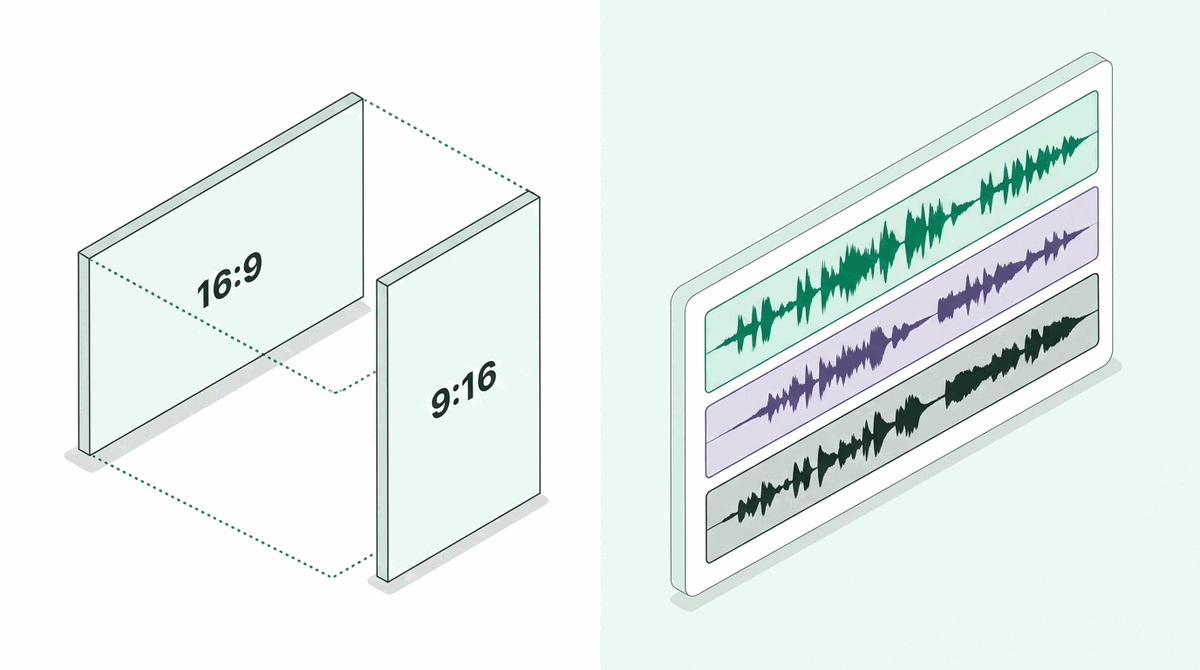
1. Core Stages of an AI Video Localization Pipeline
YouTube multi-language audio tracks let creators publish secondary localized dialogue streams under a single video URL instead of splitting subscribers across separate regional channels. Executing this cleanly requires orchestrating automatic speech recognition (ASR), context-aware translation, synthetic or studio voice generation, and multi-track audio mixing.
Automated dubbing accelerates early translation drafts, but output quality varies widely by recording cleanliness, domain terminology, and target language grammar. OpenDub Studio remains an Elnavix Labs concept in development rather than a released production dubbing service, so teams should evaluate individual tools on real sample footage before scaling.
Measure Localization Against Mature Baseline Analytics
Offering dubbed audio improves comprehension for international viewers, yet watch time and subscriber growth still depend on content relevance, thumbnails, and metadata. Evaluate localization performance against mature baseline periods rather than assuming fixed view multipliers.
2. Dialogue Isolation vs Music-and-Effects (M&E) Stems
The fastest way to make a dubbed video sound artificial is muting the entire original mix or talking loudly over untranslated English background chatter. Professional localization pipelines separate dry speech vocals from music and sound effects (the M&E bed) before synthesis begins.
Whenever possible, export clean dialogue stems and separate M&E busses straight from your video editor timeline instead of relying solely on post-render source separation models. Retaining an unclipped music and SFX bed ensures translated speech sits naturally in the final LUFS mix.
3. Syllable Density, Phrase Pacing, and Translation Adaptation
Literal word-for-word machine translation frequently expands sentence length by 20 to 40 percent when moving from concise English technical phrases into Spanish, German, or French, forcing synthetic speech either to rush unnaturally or collide with scene cuts.
Production workflows address this during script localization—trimming filler words and choosing concise idiomatic phrasing that fits within the original pause boundaries before generating audio waveforms.
- Transcribe the source video with word-level timestamps and verify proper nouns, brand names, and technical acronyms manually.
- Translate segment-by-segment with speaker context and target reading/speaking-rate constraints rather than isolated sentences.
- Synthesize voice segments only using licensed talent voices or recordings backed by explicit written consent.
- Recombine the aligned translated speech track with your clean M&E stem, check integrated loudness around -14 LUFS, and spot-check cuts.
4. Workflow Trade-Offs: AI Dubbing Drafts vs Studio Dubbing
Compare fully human studio dubbing, hybrid AI-assisted workflows, and closed captions alone when planning a multilingual content rollout.
| Workflow Dimension | Hybrid AI + Human QC | Traditional Dubbing Studio | Localized Captions Only |
|---|---|---|---|
| Preparation Effort | Automated draft followed by human script and mix review | Casting, booth recording, and multi-pass mixing | Subtitle translation and timing check only |
| Pronunciation & Nuance Control | Requires native-speaker verification on jargon | Directed live per line in recording studio | Original voice stays untouched |
| Consent & Rights Overhead | Requires explicit voice-cloning consent and disclosure | Standard talent union or buyout agreements | Text translation rights only |
| Audio Bed Quality | Best when exported with separate M&E stems | Full multi-track broadcast control | Preserves 100% original audio balance |
Product scope and further reading
Editorial methodology: Written and maintained by Elnavix Labs from inspected Chrome extension package behavior, media container specifications, and official platform documentation. Visual figures are AI-generated conceptual diagrams; always check the official product listing for current release scope.
OpenDub Studio is a concept in development. General workflow explanations here are not proof of released capabilities.
Explore OpenDub Studio by Elnavix Labs
Learn about the OpenDub Studio concept in development alongside Elnavix Labs’ released browser tools.
View Studio Products →Concept preview in active development by Elnavix Labs; not a released localization service.Frequently Asked Questions
How do creators upload multiple language audio tracks on YouTube?
When multi-language audio is enabled for your channel in YouTube Studio, open Subtitles for a video, add a target language, and upload the synchronized dubbed audio track alongside translated titles and descriptions.
Can AI dubbing match human voice acting quality cleanly out of the box?
Synthetic quality varies significantly with microphone clarity, domain jargon, overlapping speakers, and language pair. Human script adaptation, pronunciation checks, and consent verification remain essential rather than assuming human-indistinguishable speech.
Why should creators preserve an M&E (Music and Effects) stem before dubbing?
Keeping music and sound effects on a separate bus from spoken dialogue lets you replace only the voice layer cleanly without distorting background audio or losing atmospheric polish.
Is OpenDub Studio currently available to download as a finished product?
No. OpenDub Studio is currently an Elnavix Labs concept preview in development. Check /products/ for current studio software availability.