
AI Voice Cloning & Speech Timing in Video Dubbing
Compare AI voice cloning with studio dubbing: consent, acoustic quality, speech timing and lip sync. Check each output rather than assuming a perfect match.
AI voice cloning and studio dubbing differ across acoustic fidelity, emotional prosody control, syllable timing (isochrony), and lip synchronization. Obtain explicit speaker consent before cloning any voice, measure actual segment durations per language, and inspect each output manually because no universal duration ratio or artifact-free lip sync is guaranteed.
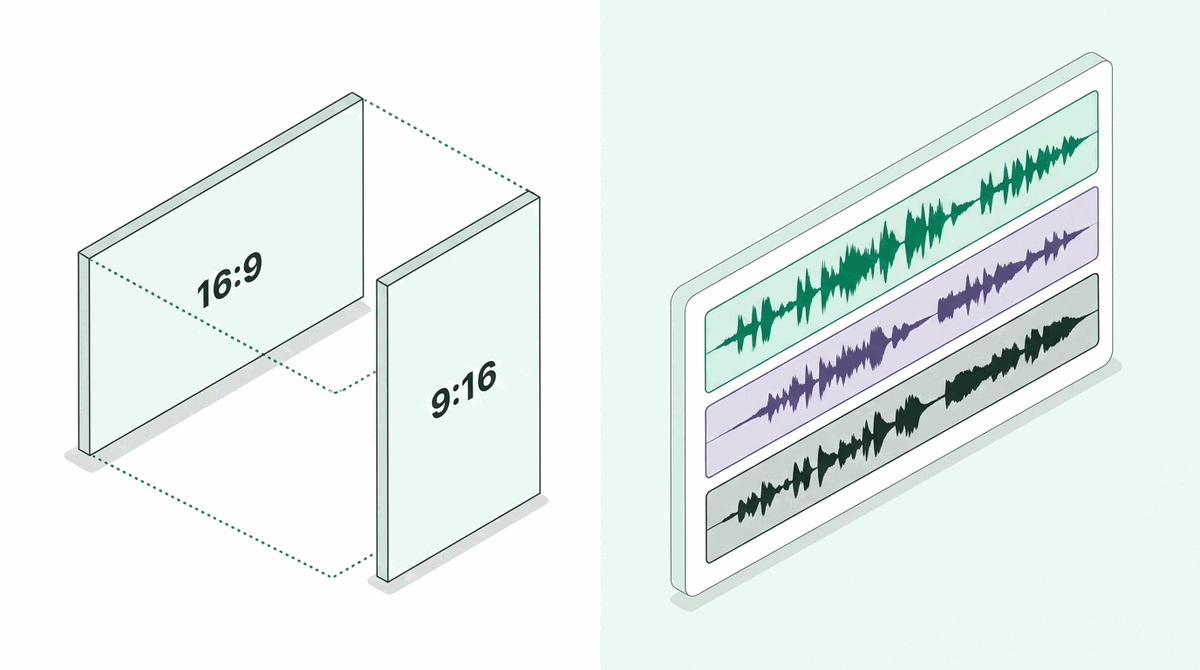
1. Voice Timbre Synthesis vs Prosody and Emotion Preservation
Modern zero-shot speech synthesis separates vocal timbre (what a speaker sounds like) from lexical content (what words are spoken) and prosody (pitch contour, pauses, and energy). Studio dubbing instead records trained voice performers in acoustically treated rooms, giving directors direct human control over sarcasm, whispering, and pacing.
Synthetic models perform best when trained or conditioned on clean, noise-free speech from cooperative recordings. Background music, room reverb, fast cross-talk, or shouting can cause metallic artifacts or accent drift across target languages, so OpenDub Studio concepts prioritize manual segment review rather than claiming universal parity with live voice actors.
2. Isochrony: Matching Translated Speech Duration to Video Cuts
In film and video localization, isochrony means ensuring translated dialogue starts and finishes cleanly inside the original scene timing without overlapping adjacent speaker turns. Different languages express the same idea in very different syllable counts.
Time-stretching an already synthesized audio track by more than 10 to 15 percent typically causes audible pitch wobble or rushed diction. Stronger engineering pipelines optimize translation conciseness first, adjust inter-clause silence gaps next, and apply gentle duration targets during speech generation.
- Measure exact start and end timestamps (in milliseconds) for every speaker utterance from the source video.
- Flag translated phrases that exceed the available timing window by more than 15 percent for editorial tightening.
- Generate voice takes with target speaking-rate conditioning instead of aggressive post-render time-compression.
- Audit transition gaps so translated sentences never bleed across hard picture cuts or graphics cues.
3. Audio-Driven Lip Re-Animation vs Natural Audio Pacing
Visual lip synchronization models modify the lower face region of video frames to align mouth shapes (visemes) with dubbed phonemes. While effective on stable front-facing talking heads, frame-level facial inpainting struggles with side profiles, occluding hands, eyeglasses reflections, shadows, and quick camera pans.
Compare studio dubbing, standard audio-only dubbing, and AI lip re-animation before deciding whether facial frame editing adds value for your audience.
| Localization Layer | Audio-Only AI Draft | AI + Visual Lip Sync | Traditional Studio Dub |
|---|---|---|---|
| Visual Frame Integrity | Preserves 100% original camera pixels untouched | Re-renders mouth region; sensitive to side profiles | Preserves original camera footage untouched |
| Timing Constraints | Matches scene windows and breath pauses | Requires strict phoneme alignment in close-ups | Actor watches picture loop to hit cues |
| Compute & QA Load | Audio review only; lower render risk | Frame-by-frame artifact checking across resolutions | Studio booking and dialogue editing time |
| Disclosure Requirement | Synthetic voice consent and platform disclosure | Altered audio AND video disclosure required | Standard cast credit and rights clearance |
4. Speaker Consent, Provenance, and Platform Disclosure Standards
Responsible voice cloning starts with documented permission: only synthesize voices when you own the recording rights and hold explicit speaker consent for multilingual replication.
Major video platforms also enforce synthetic-media labeling policies when realistic altered voices or face re-animations are published. Build disclosure review into your export checklist before publishing localized channels or tracks.
Product scope and further reading
Editorial methodology: Written and maintained by Elnavix Labs from inspected Chrome extension package behavior, media container specifications, and official platform documentation. Visual figures are AI-generated conceptual diagrams; always check the official product listing for current release scope.
OpenDub Studio is a concept in development. General workflow explanations here are not proof of released capabilities.
Discover Next-Generation Audio Software
Learn how Elnavix Labs separates released browser tools from experimental creator concepts in development.
View Studio Products →Concept preview in active development by Elnavix Labs.Frequently Asked Questions
How does AI voice cloning try to keep a speaker’s original tone across languages?
Acoustic encoders sample speaker embedding features such as pitch range, formant traits, and rhythm from reference speech, though preservation accuracy varies significantly across languages and background noise levels.
Why does dubbed audio sometimes rush or cut off at scene changes?
Translated languages often contain more syllables than the original English script. Without rewriting translations for concise timing and adjusting pause lengths, synthesized speech cannot fit inside the same cut duration naturally.
Should every dubbed video use AI visual lip-sync replacement?
Not necessarily. Visual lip-sync generation can introduce mouth-area blur or lighting artifacts on angled shots or fast movement, whereas clean off-camera audio pacing works reliably on documentary, tutorial, and screencast formats.
Does Elnavix Labs ship a commercial voice-cloning platform today?
No. OpenDub Studio remains an Elnavix Labs concept in development rather than a released product, so review actual shipped Elnavix extensions on /products/.